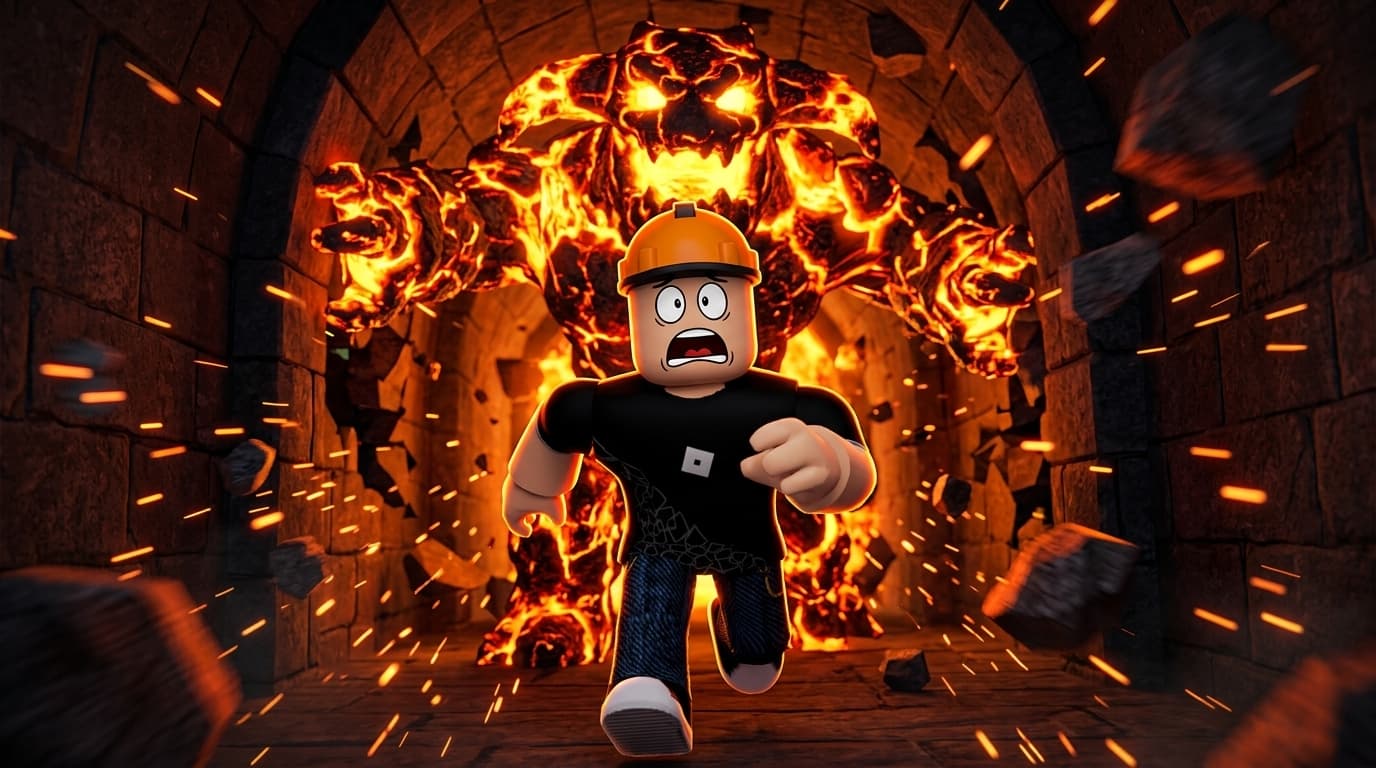
 Monster escape
 Tycoon / riches
 Race
Race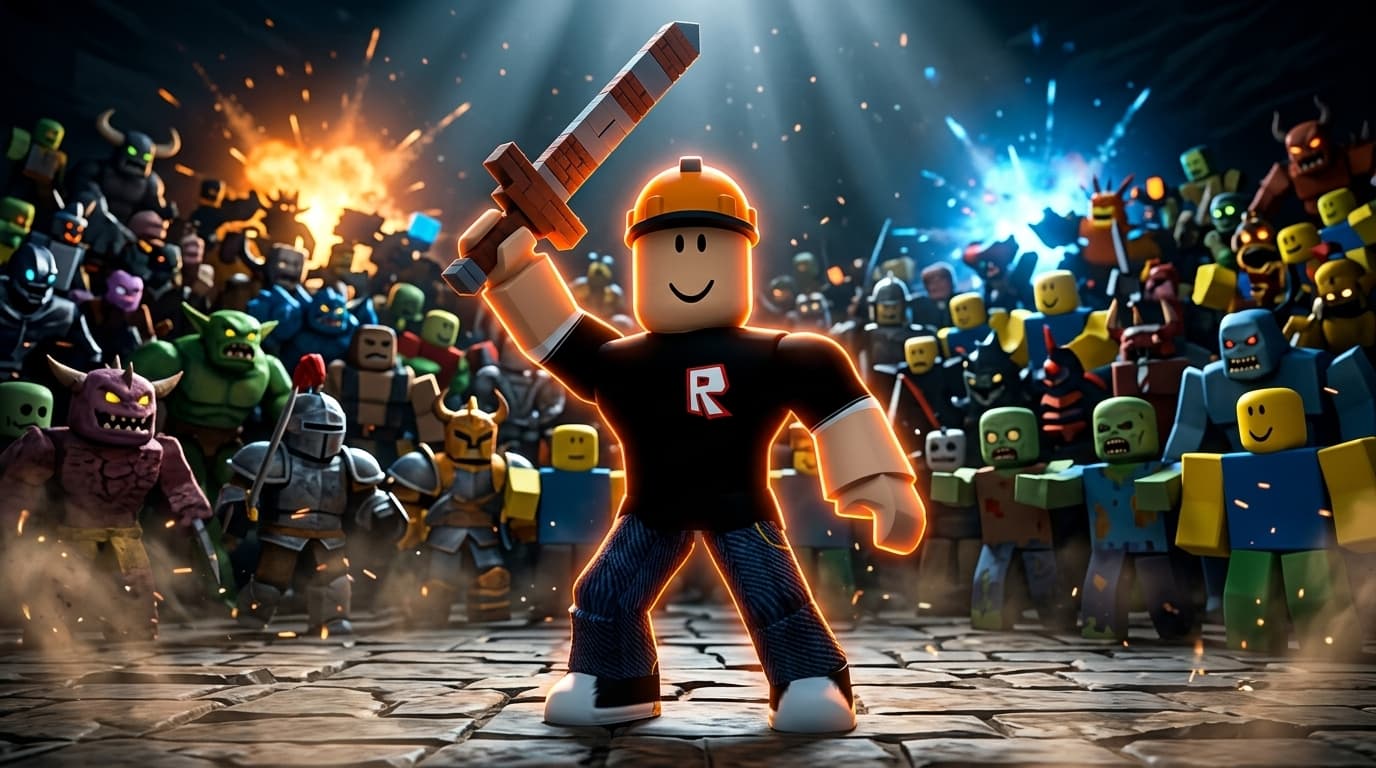 1 vs 100
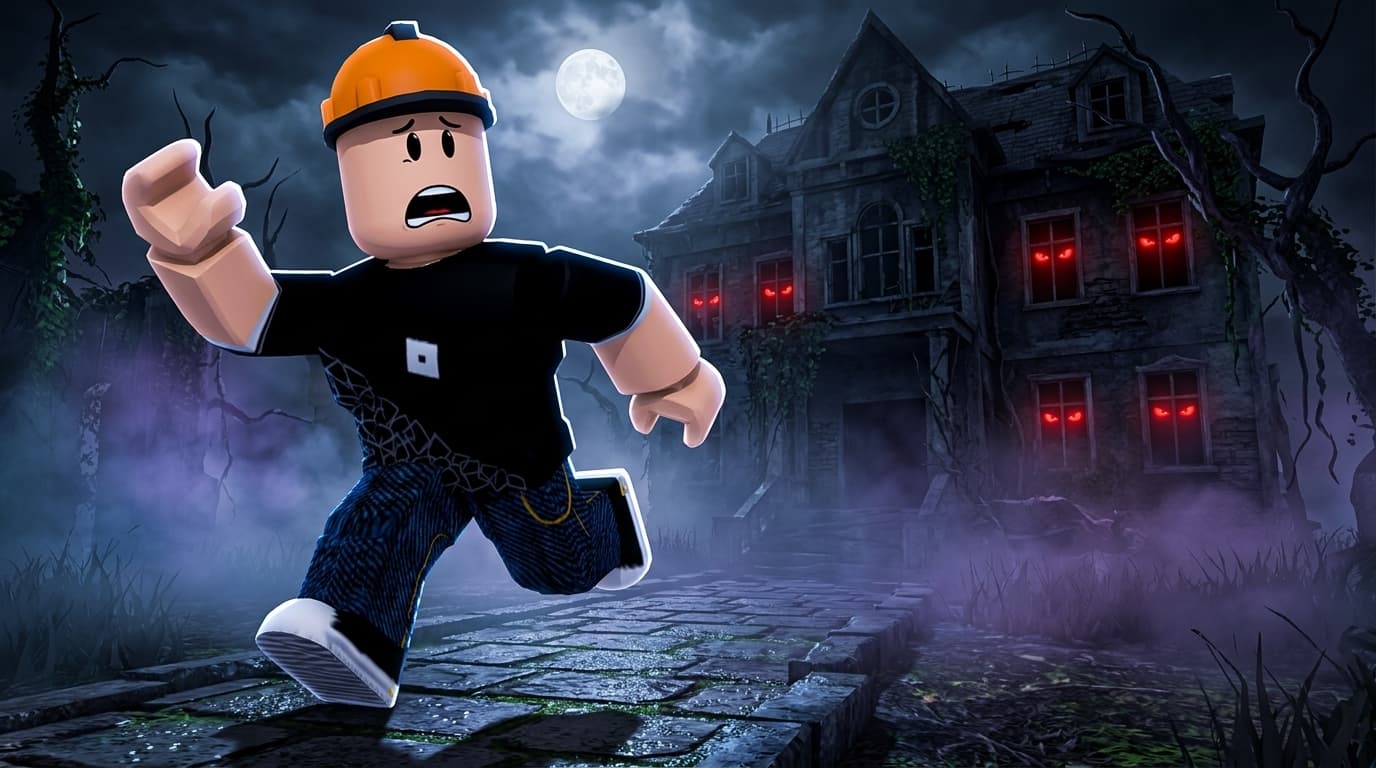 Horror night
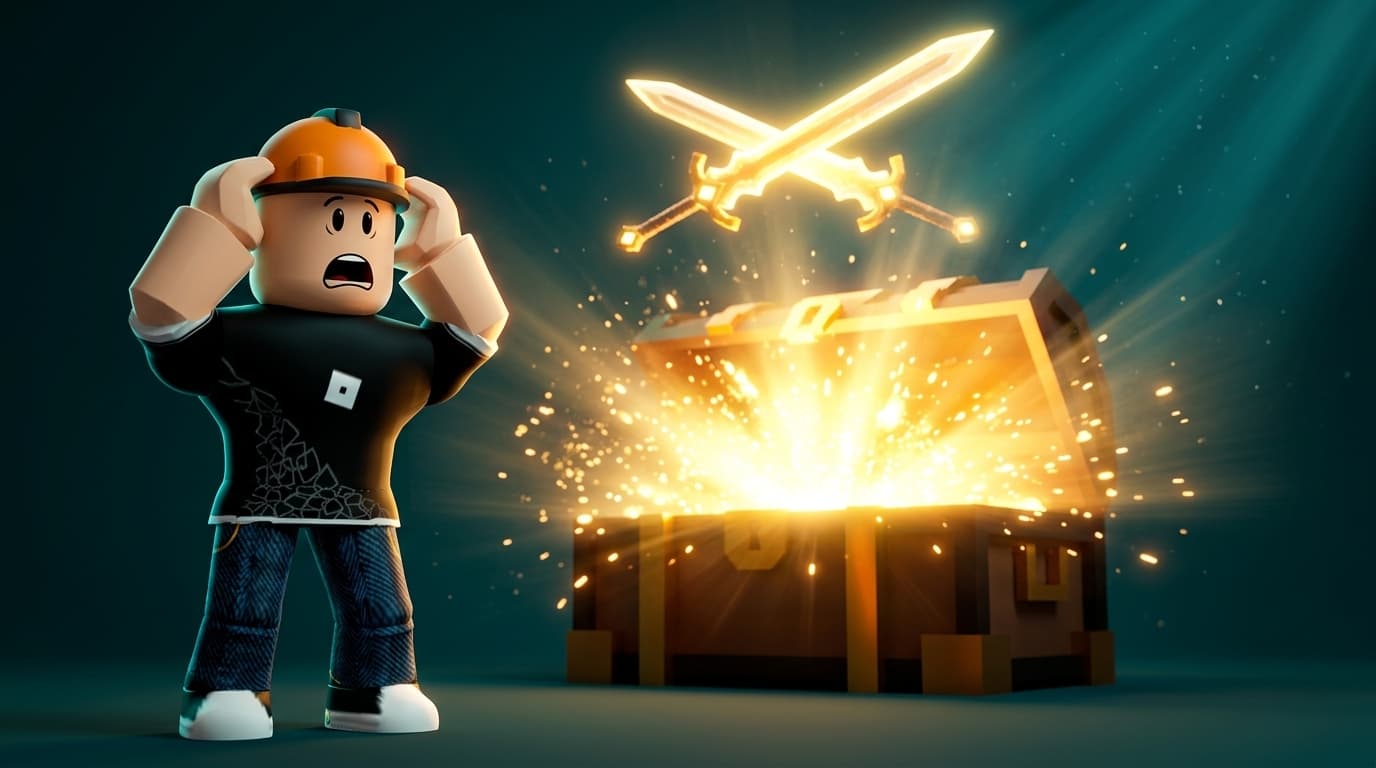 Legendary drop
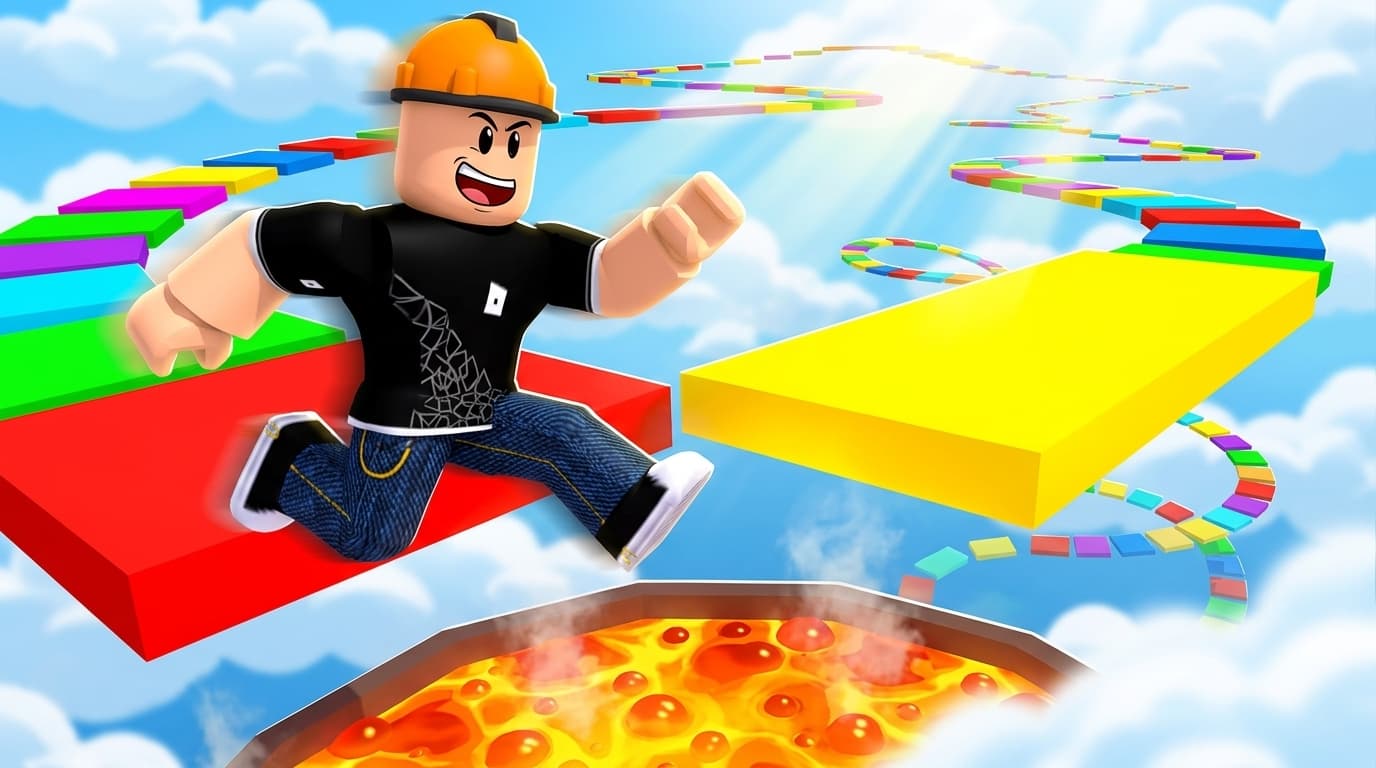 Obby / parkour
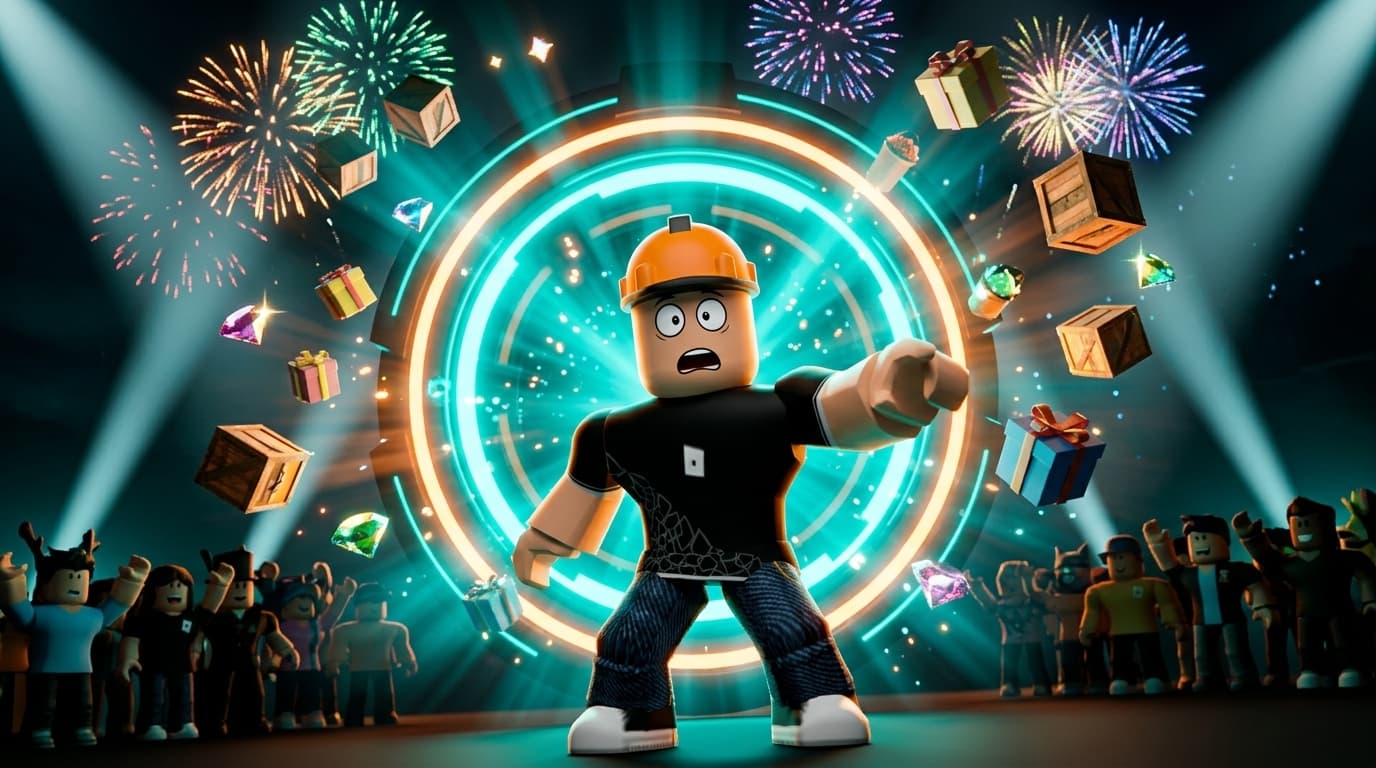 New update
Every image above was generated in ThumbLaunch — these are the built-in scene templates.
Built for Roblox creators
Type a Roblox username, describe the scene, get a finished thumbnail in seconds. No screenshots to crop, no files to upload, no design skills needed.
3 free credits when you sign up · no card required
Monster escapeTycoon / richesRace1 vs 100Horror nightLegendary dropObby / parkourNew updateEvery image above was generated in ThumbLaunch — these are the built-in scene templates.
Enter any Roblox username and we pull that avatar straight from Roblox. No screenshots, no cropping, no uploading files.
Write what happens — or click a ready template. Pick a style, a pose for each character and the format you need.
Get your thumbnail in seconds, then add text, arrows and cutouts in the built-in editor. Download as PNG or a YouTube-ready JPG.
Generating the image is the easy part. These are the tools that turn it into a thumbnail people actually click.
Analyses the thumbnails of top games in your niche and tells you what actually drives clicks there — plus three style directions with a recommendation.
Cut a character out of any generation as a transparent sticker and drop it into another thumbnail. Build a reusable library of your own characters.
Bold display fonts, gradients, outlines and shadows — the look that reads on a phone-sized tile. Drag everything where you want it.
Preview your thumbnail at real Roblox and YouTube sizes, side by side with actual competitors from your genre.
Nine ready countdown versions of your game icon, from 24h down to NOW! — generated in one click, free.
Current thumbnails of the top games per genre, pulled live. Click one to use it as a quality reference for your own generation.
Start free. Upgrade when thumbnails start paying for themselves.
Free
$0
to try it out
Start freePro
$14.99/mo
or $12.99/mo billed yearly (−13%)
Get ProMax
$69.99/mo
or $59.99/mo billed yearly (−14%)
Get MaxPrefer not to subscribe? One-time packs never expire.
Starter
$8.99
50 credits
Creator
$23.99
150 credits
Studio
$69.99
500 credits
1 credit = one 1K generation · 2K = 2 credits · 4K = 4 credits
No. You type a Roblox username and we fetch that avatar from Roblox's public API. Uploading your own reference images is possible, but always optional.
Yes — for your games, videos and channels. We do not claim ownership of what you generate. Worth knowing: AI output may look similar for different users, so we cannot promise any image is unique.
One credit is one 1K generation. Higher quality costs more: 2K is 2 credits, 4K is 4. Extras like cutouts and analyses have their own cost, always shown before you confirm.
Credits from one-time packs never expire. Credits included in a subscription are for that billing period and do not roll over. When you have both, subscription credits are used first.
No. ThumbLaunch is an independent tool, not affiliated with or endorsed by Roblox Corporation or YouTube.
Sign up, get 3 credits and see what your game looks like with a thumbnail that competes.
Start free